> ## Documentation Index
> Fetch the complete documentation index at: https://moonshot.app/llms.txt
> Use this file to discover all available pages before exploring further.
# Working with components
> Make components in your design respond to AI
AI-responsive components provide a powerful way to see how your product responds to both users and AI.
Learn more about components by reviewing [Figma's documentation](https://help.figma.com/hc/en-us/articles/360038662654-Guide-to-components-in-Figma).
### Creating multi-variant components
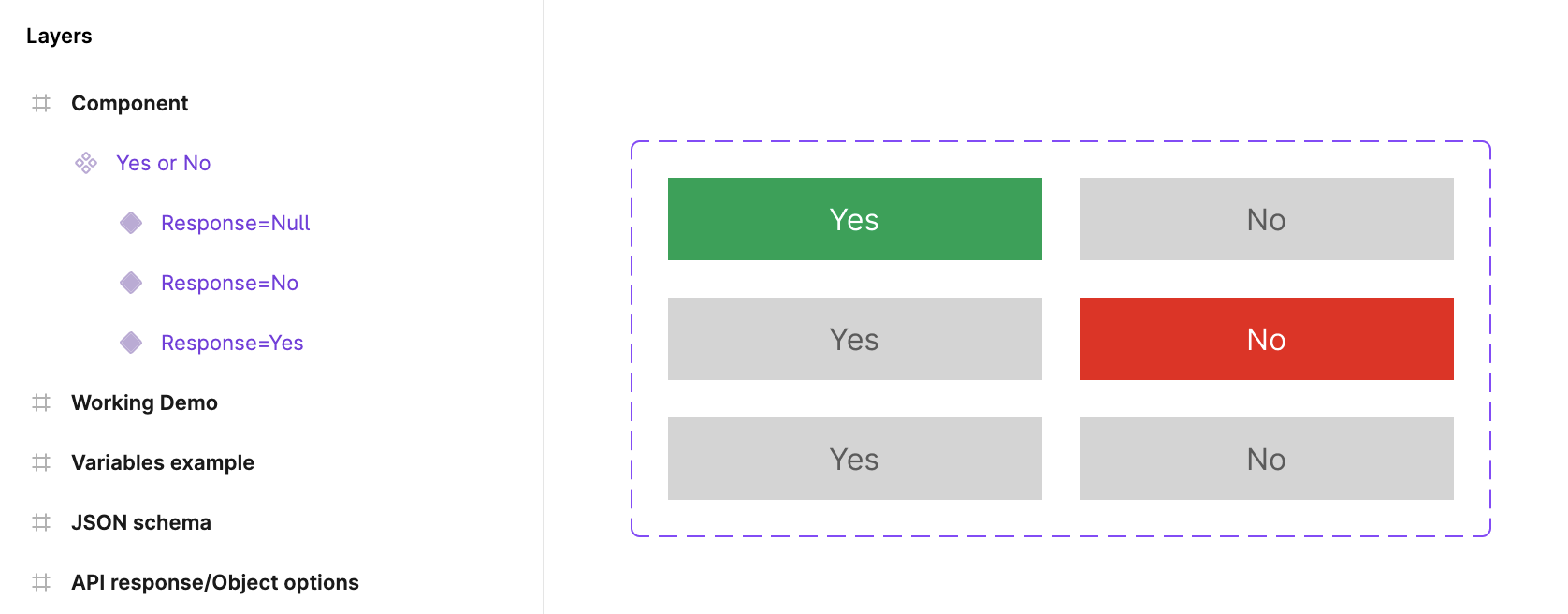
You need a component with multiple variants.
 ### Using variables to set component state
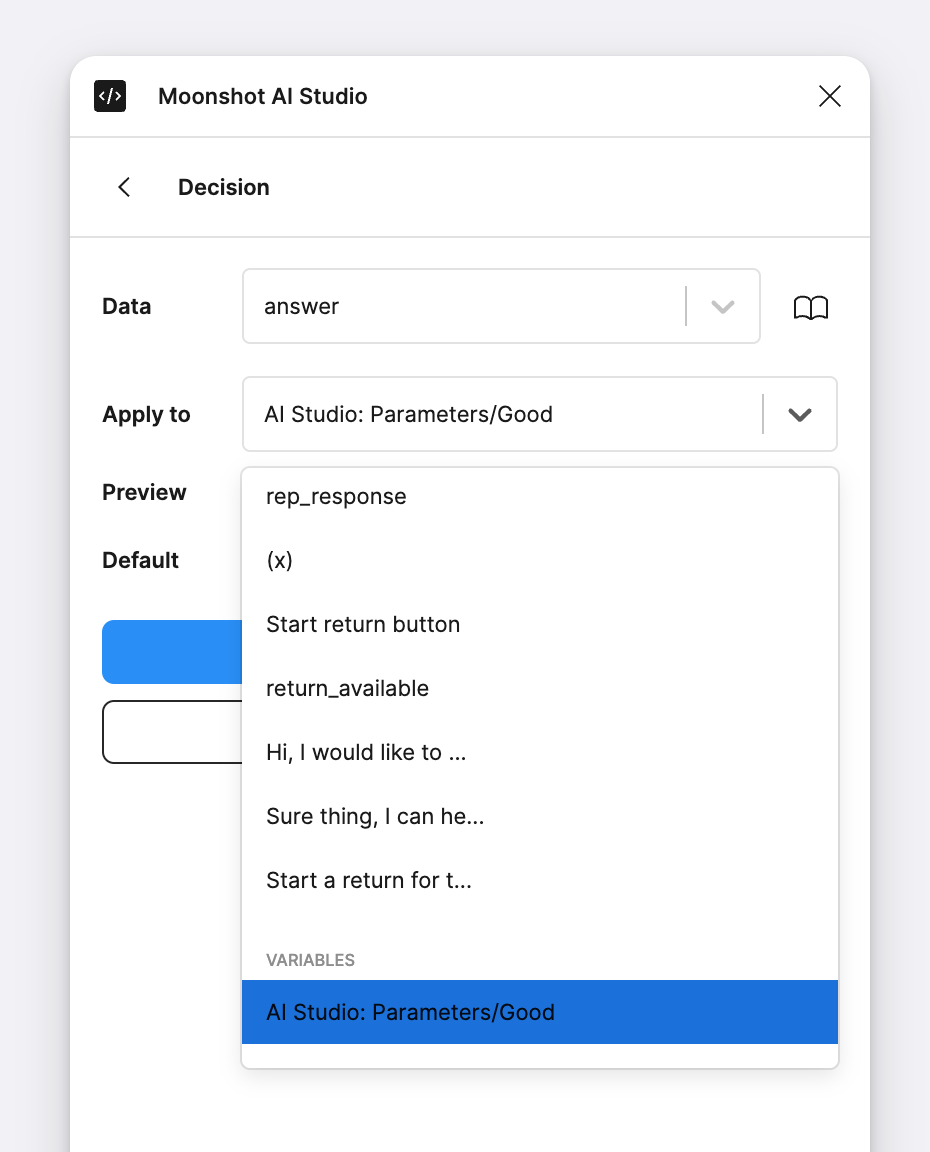
You then need to sync response data with a variable that the component uses to set it's variant state.
### Using variables to set component state
You then need to sync response data with a variable that the component uses to set it's variant state.